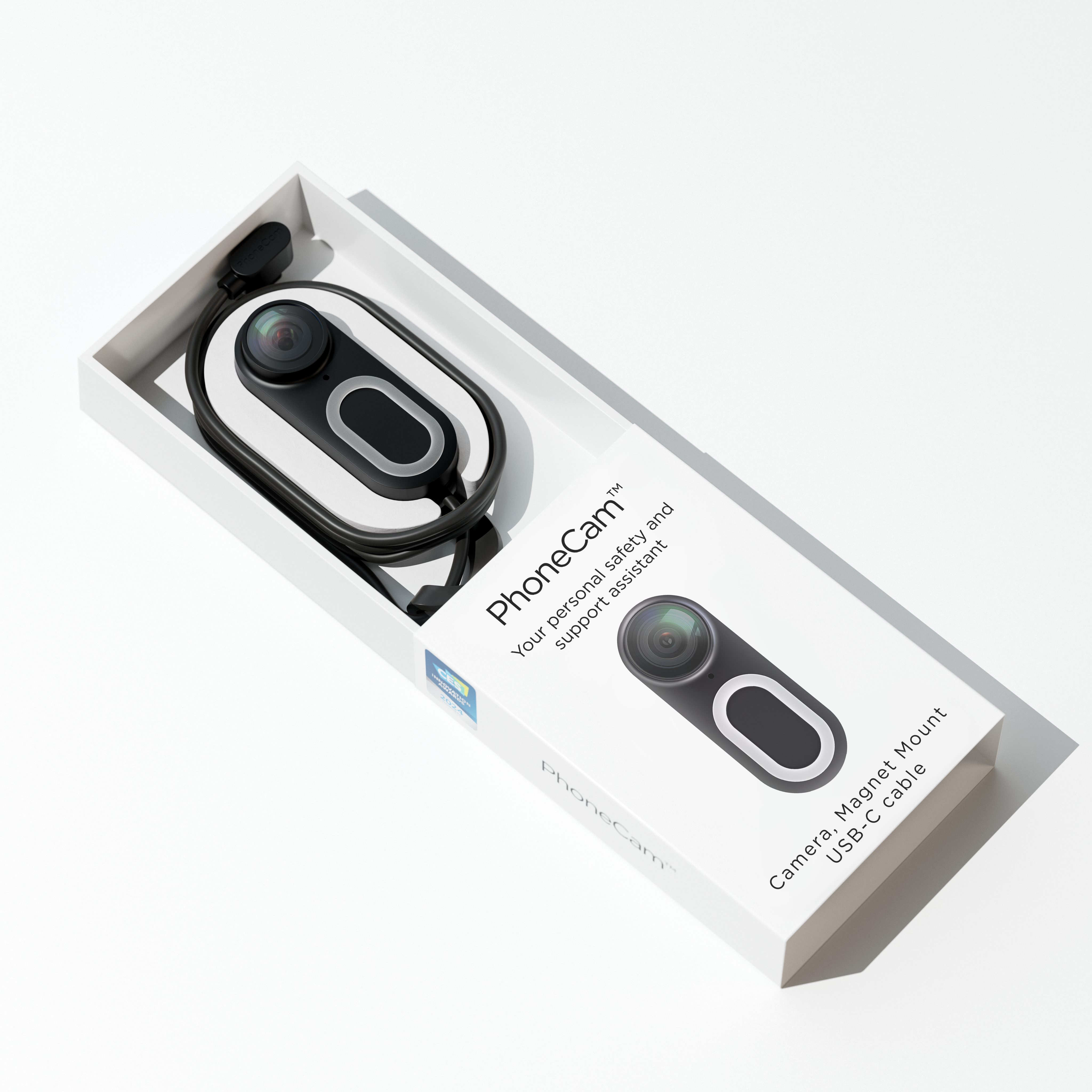
Feel Safe & Enjoy Life
FamilyCam is more than an alarm button.
Direct Remote Support
With a single press, you can instantly call a trusted contact(s), sharing live video and can directly talk to the other. No searching for a phone, no fumbling with apps, just immediate help whenever you need it most.
Stay Connected, Handsfree
Whether it’s kids walking home or a solo evening run, live location sharing keeps everyone visible to the contact person(s), if you want to. The person wearing the FamilyCam can choose its own settings.
Sharing Adventures
From family hikes to weekend rides, FamilyCam can capture moments hands-free in real time. Its lightweight, wearable design keeps up with your adventures, letting you stay present while recording & sharing memories.
Ready for your next trip?
Use Cases | Enjoy Life & Feel Safe

Running with Confidence
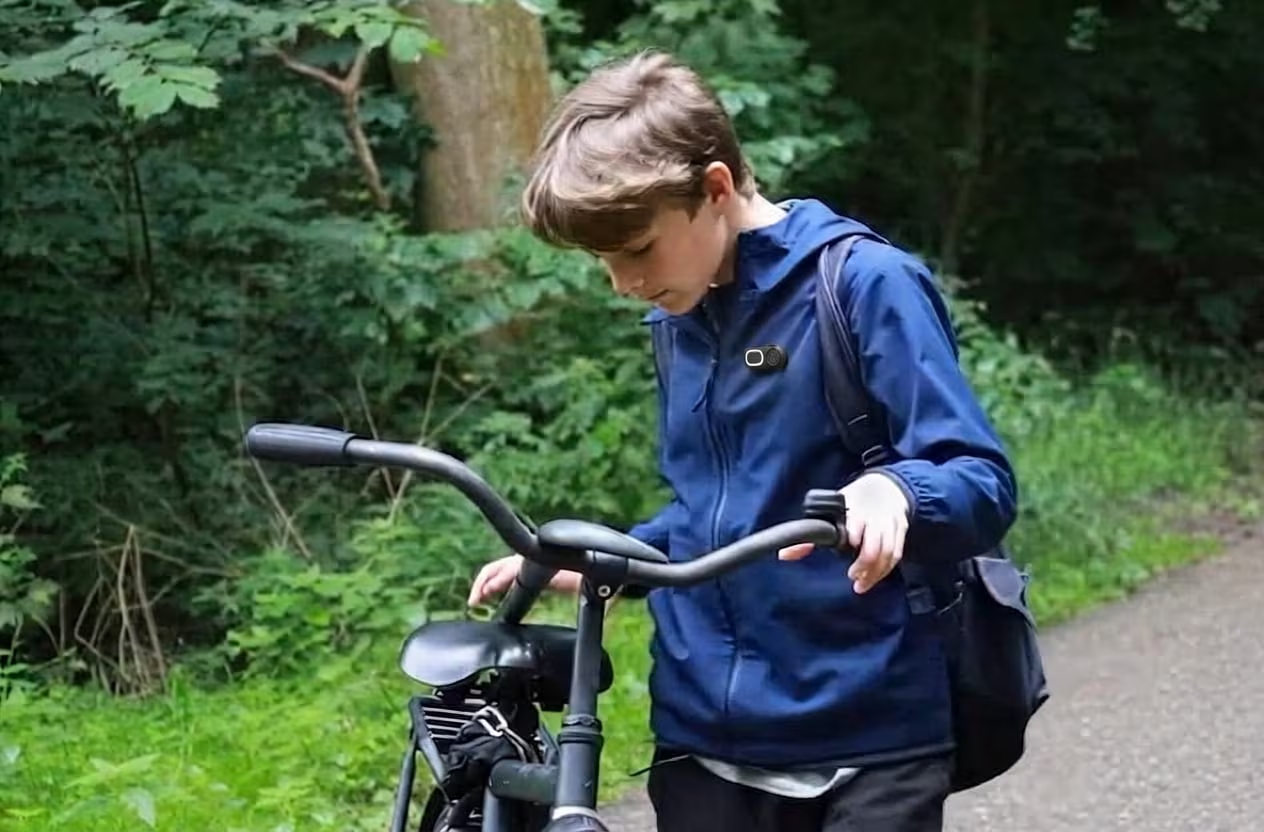
Staying Connected

Staying Independent

Handfree Guidance
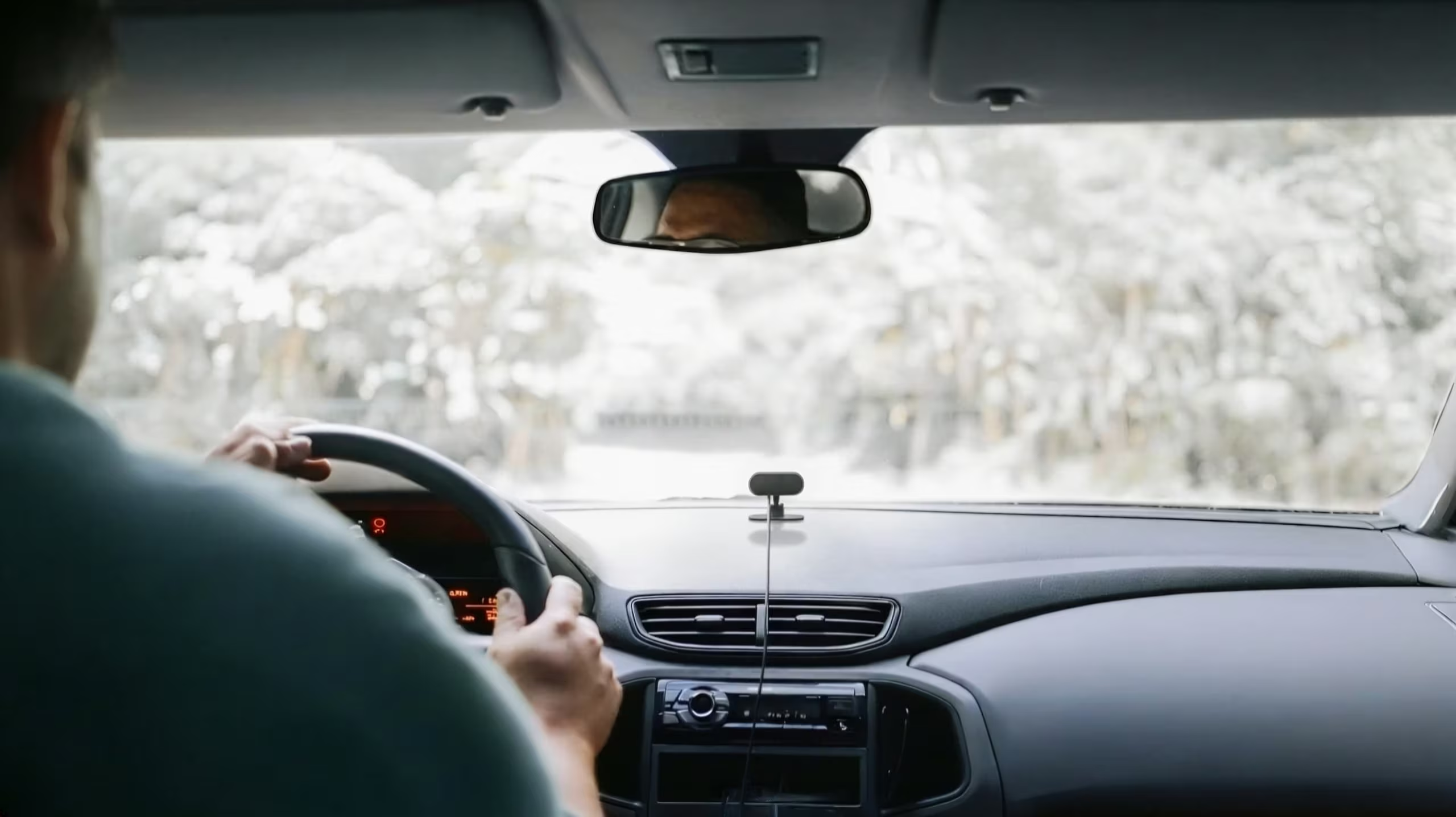
Dashcam

Coming Home Safe

Capture Adventures
Unique Design | Easy to Wear and Use
Easy to Fixate
Staying Independent
Jacket Clip
Small
Magnet Mount
Receive Notification
Dashcam
On Handbag
On Helmet
FamilyCam for €15/pm
Camera included. Sign up below
What’s included?
✔ FamilyCam camera
✔ Cable + magnet clip
✔ Android FamilyCam App
✔ Up to 4 trusted contacts
✔ Easy to start, easy to stop
The FamilyCam
FamilyCam is the first lightweight, hands-free, and affordable smart camera designed for personal safety and live support. This all-in-one solution includes a body camera and smartphone app. After the successful introduction of the PhoneCam Pro for the Professionals, we are introducing the FamilyCam for Consumer market.
FamilyCam outperforms existing solutions by being cost-effective, compact, user-friendly, and capable of live streaming.
How does the one-press alarm work?
Press the button, and the person you have chosen is alarmed straight away. They can see your location and what is happening, so they can help without needing long explanations.
Do I need to use the FamilyCam app?
Yes. The FamilyCam app is required to connect and use your FamilyCam. Your trusted contact(s) also need to download the FamilyCam app for free. This allows them to receive an alert and, when you activate it, see your live video, hear the audio and view your location.
Can I use the FamilyCam at public spaces (how about privacy)?
Yes. You can use FamilyCam much like you would use your smartphone to take photos or make recordings in public places, unless photography or recording is specifically prohibited.
When you activate FamilyCam for an alarm or safety situation, sharing live video can be particularly important to help you get support and document what is happening.
However, please respect the privacy of others and be considerate when recording people. Avoid recording people in situations where they have a reasonable expectation of privacy.
Can a whole group use FamilyCam together?
Yes. Each volunteer can alert the people they choose, so groups can look out for each other.
Does FamilyCam replace emergency services?
No. FamilyCam helps you reach your own community quickly. In an emergency, always contact the emergency services too.
Does FamilyCam work abroad?
Yes. FamilyCam works abroad, so you can capture your trip and reach the people you trust wherever you travel.
Who can see my location and video?
Only the people you choose. You decide who receives your alarm and who can see what you share.